
Developing a Strategy for IT Asset Management Success
- Contributor
- Allison D. Ward
Jul 31, 2026
Have you ever looked at a chessboard and thought about how confusing it all is? Which piece makes which move? How should you deploy your pieces to win? If you don’t have adequate information before starting the game, it can be daunting to develop a strategy for success.
Like learning chess, IT asset management can seem like a mountainous task, but strategic planning will make the task manageable and save you headaches and sleepless nights. Creating an inventory of all your organization’s information technology and systems, along with a plan to manage them, is vital. After all, you can’t protect all your systems if you don’t know exactly what needs to be protected.
Here are IT asset management best practices to help.
Setting Your Strategy
First, let’s list some critical IT asset management tasks that likely occur within your IT department:
- Hardening and securing new systems before they enter production
- Making sure end-of-life systems and software are replaced in a timely manner
- Removing sensitive data from hard drives before disposal
- Ensuring systems have appropriate malware protections
- Patching systems with firmware, operating system, and application updates
- Scanning IT assets for known vulnerabilities
- Ensuring critical data is included in backup and replication processes
- Confirming that applications and software are properly secured with password parameters, account lockout settings, and multi-factor authentication
- Reviewing applications to ensure user access is restricted appropriately
The first step in playing chess is to understand each piece, and managing your IT assets is no different. What is the underlying need for the tasks noted above? You need to understand which “pieces” to manage within your organization by including them in the inventory.
While it’s easy to start with items that are assigned a dollar amount, such as hardware and software, you should also inventory your data.
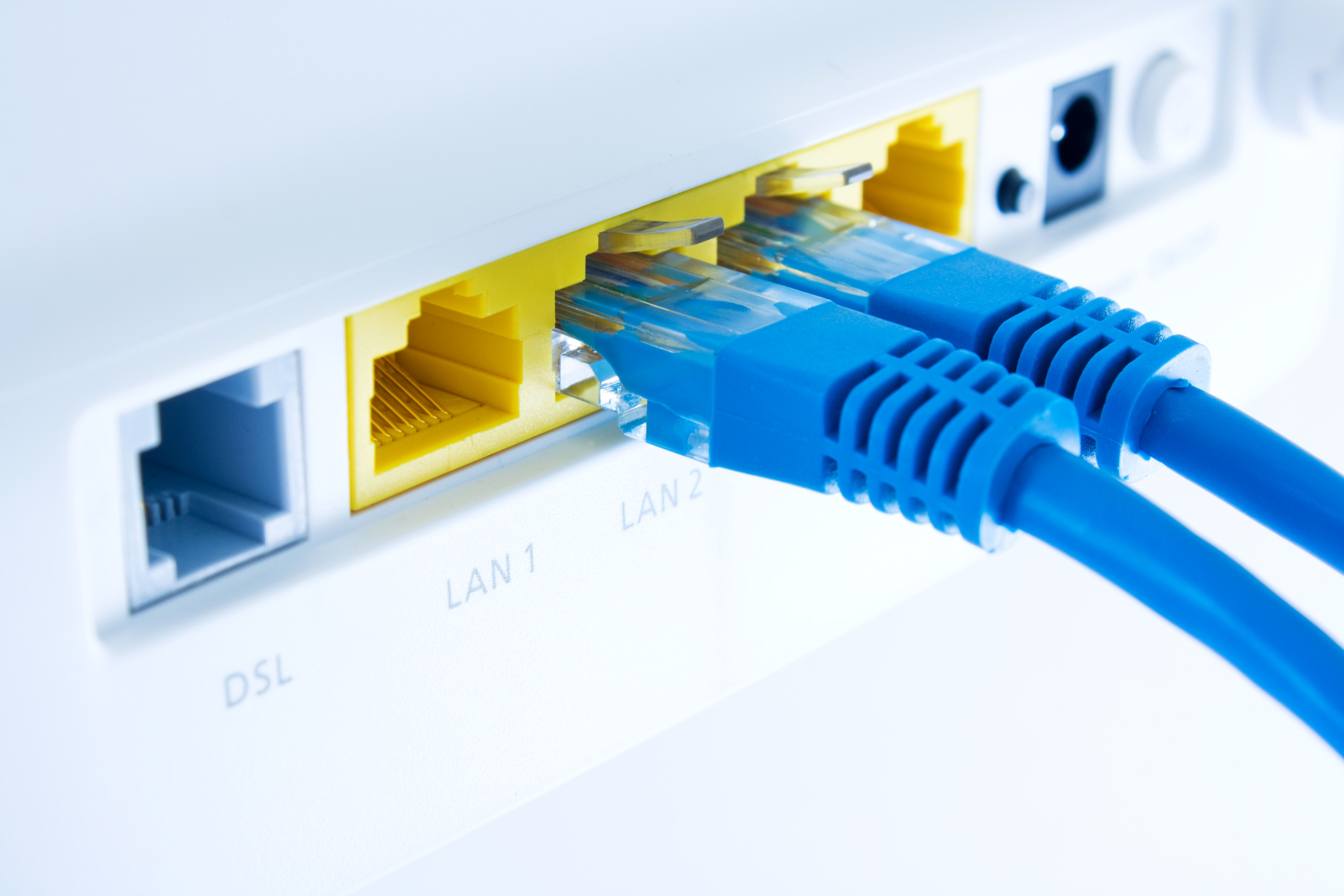
- Your physical hardware inventory should include hardware such as servers, workstations, laptops, mobile devices, firewalls, intrusion detection systems, routers, switches, printers, copiers, fax machines, and Internet of Things devices (e.g., smart devices such as TVs, alarms, and HVAC systems). Include critical details about each asset, such as location and warranty information.
- Your software and application inventory should similarly identify all software installed on systems and applications that employees access, including those with web-based logins. This inventory should include details such as the version in use, system administrator, web address, license period, and number of licenses. Follow these steps to create your software and application inventory.
- Your data inventory should identify and classify the types of data stored. For example, public information that is available on your website is different from proprietary details about your organization or sensitive information about your constituents. Before you can secure this data, you must inventory it to know what it is, where it is stored, and how it is accessed. With the continued scrutiny of data protection, including regulations like the General Data Protection Regulation (GDPR) and the Colorado Data Privacy Act, this data inventory can be particularly useful for identifying potential data trails within your systems.
Applying IT Asset Management Best Practices in Planning Your Next Moves
Once you’ve developed these inventories, it will become easier to plan out what to do next.
The hardware inventory can help you:
- Plan asset retirement and determine when systems are reaching end of life and should be replaced
- See when a device with a hard drive is about to be removed from a production environment, so you can take the necessary steps to ensure data is sufficiently removed
- Periodically reconcile to anti-malware and patch management consoles to help ensure that all systems are properly patched and protected
- Identify, for network equipment, which vendor websites you need to monitor for firmware updates and patches
The software and data inventories can help you identify:
- Which critical software vendors you need to review periodically to assess areas such as financial stability, security controls, and business resilience
- Which systems and applications contain critical data that should have more stringent security controls
- Which systems you should evaluate regularly to ensure access rights are restricted
- When the licenses for certain products are ending
- What systems should be included in the backup schedule for immediate recovery and long-term retention purposes
These inventories can help your organization develop effective policies. For example, once you have full knowledge of the technologies your organization uses, you can begin developing policies and procedures governing each technology’s use, implementation, and security within your environment. Finally, you can identify which technologies require recovery plans and procedures for business continuity and disaster recovery.
Not too bad, right? The initial steps will always be the most difficult, but you can use the information outlined here to devise a plan to account for existing assets and develop procedures to ensure incoming assets are added to the inventory management system.
Once you have a strong process in place and get your IT assets under control, you’ll quickly see how the rest of your IT management duties fall into place. If you’re looking to up your IT game, reach out to our advisors.